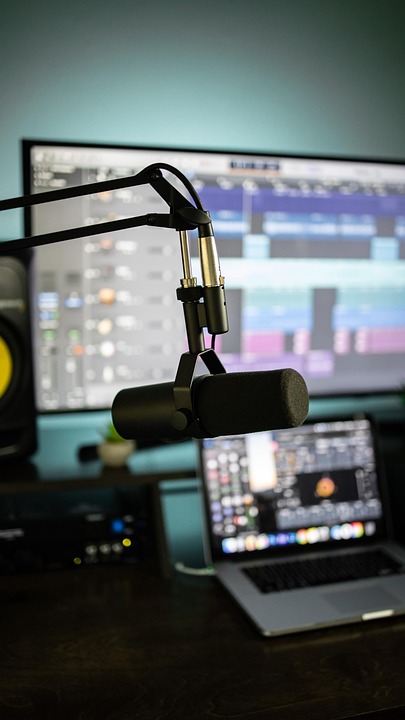


Whether you’re an aspiring musician, a podcaster, or someone who just enjoys creating their own audio mixes, having the right music editing software can make a huge difference in your projects. In 2023, numerous options are available that cater specifically to beginners. Here’s a list of the top 10 music editing software that will help you kick start your audio editing journey.
1. Audacity
Audacity is one of the most popular free, open-source audio editing software available. Its user-friendly interface and powerful editing capabilities make it a staple for beginners. You can record live audio, edit samples, and add effects easily.
- Free and open-source
- Multi-platform support
- Recording and mixing capabilities
2. GarageBand
If you are a Mac user, GarageBand is a fantastic option. This software is free for macOS and iOS users. It comes packed with a variety of virtual instruments, loops, and a straightforward interface, perfect for beginners.
- Intuitive interface
- Wide range of loops and sounds
- Seamless integration with other Apple devices
3. WavePad
WavePad is another great tool for beginners. The free version includes the basic features you need to get started. It supports various file formats and has a convenient interface.
- Intuitive user interface
- Supports multiple audio formats
- Built-in audio effects
4. GarageBand (iOS)
For mobile users, GarageBand is also available on iOS, making it an excellent choice for music creation on the go. Its touch-friendly interface provides easy access to a multitude of features.
- Perfect for mobile music production
- Touch controls for easy access
- Integration with other iOS apps
5. FL Studio
FL Studio is well-known for its simple interface and powerful features. While it is primarily aimed at music producers, beginners can easily navigate its layout. The trial version offers all features for free, allowing you to get a feel for the software.
- Easy to use with a friendly interface
- Supports various plugins
- Comprehensive audio mixing capabilities
6. Soundtrap
Soundtrap is a unique online music studio that allows users to collaborate on tracks in real time. It is browser-based, making it accessible from any device without the need for installation.
- Real-time collaboration features
- Accessible from any device
- Cloud storage for projects
7. Music Maker
MAGIX’s Music Maker offers an intuitive interface with a vast array of sounds and loops. It’s designed for beginners who want to create music without needing extensive musical knowledge.
- Drag-and-drop functionality
- Extensive sound library
- Pre-set templates for quick start
8. Adobe Audition
Adobe Audition is a professional-grade software that also offers a user-friendly experience for beginners. While it requires a subscription, its powerful features can benefit those who plan on advancing their skills.
- Robust audio editing tools
- Multi-track editing
- Seamless integration with other Adobe products
9. Logic Pro X
An advanced option for Mac users, Logic Pro X offers everything GarageBand has and much more. While it has a steeper learning curve, the depth of features makes it suitable for beginners looking to grow.
- Professional-grade features
- Extensive library of loops and plugins
- Powerful mixing and mastering capabilities
10. Reaper
Reaper is incredibly versatile and relatively inexpensive. It combines a simple interface with rich features, allowing beginners to learn quickly without feeling overwhelmed.
- Affordable price for full version
- Highly customizable interface
- Supports various audio formats
Conclusion
Choosing the right music editing software ultimately depends on your specific needs and the level of complexity you’re comfortable managing. Whether you prefer a free option like Audacity or a more advanced tool like Logic Pro X, there’s something here for everyone. These applications facilitate a smooth entry into the world of music editing, helping you create and share your audio projects with ease.
FAQs
What is the best free music editing software?
Audacity is widely regarded as the best free option, offering a range of features to edit and manipulate audio.
Do I need advanced skills to use these software options?
No, most of these software options are designed with beginners in mind, providing straightforward interfaces and guidance to help you get started.
Can I use these software programs for podcasting?
Yes, many of these tools, like Audacity and GarageBand, are excellent for podcast editing as well!
What’s the difference between free and paid software?
Free software often has limitations on features, while paid options usually offer advanced functionality such as better effects, plugins, and support.