




Introduction
Amazon’s Alexa has transformed how we interact with smart devices and the internet. From controlling your home environment to providing information at your fingertips, Alexa is a powerful virtual assistant that can simplify everyday tasks. This comprehensive guide aims to help new users unlock the full potential of Alexa, covering setup, functionalities, tips, and common issues.
Getting Started with Alexa
1. Choosing Your Alexa Device
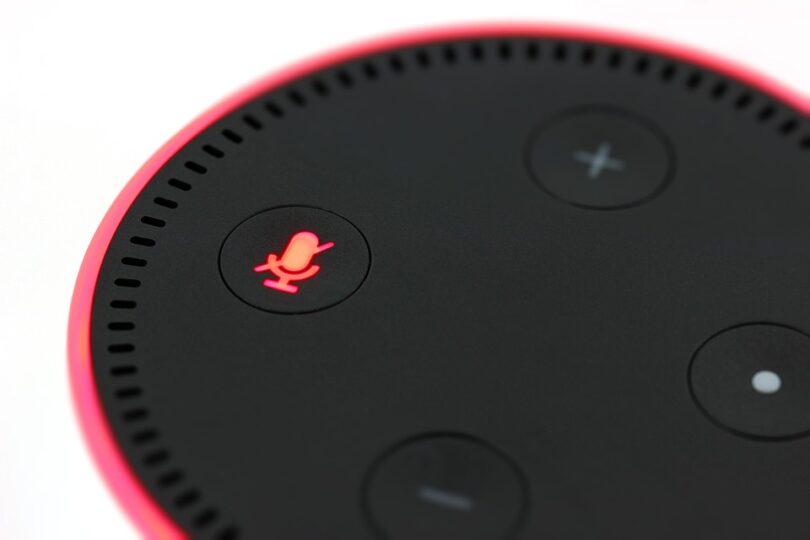
Amazon offers several Alexa-enabled devices, ranging from Echo Dot to Echo Show, making it essential to choose the right one that fits your needs. Consider factors like speaker quality, screen size, and usage scenarios. For newcomers, the Echo Dot is a great starting point due to its affordability and functionality.
2. Setting Up Your Device
Setting up your Alexa device is a straightforward process:
- Unbox your device and plug it in.
- Download the Amazon Alexa app on your smartphone or tablet.
- Connect to Wi-Fi and sign in to your Amazon account through the app.
- Follow the on-screen instructions to complete the setup process.
Exploring Alexa’s Features
1. Voice Commands
Alexa responds to specific voice commands, including:
- “Alexa, what’s the weather today?” to get weather updates.
- “Alexa, play my favorite music.” to listen to music.
- “Alexa, set a timer for 10 minutes.” to manage your time efficiently.
2. Smart Home Integration
One of the significant advantages of Alexa is its integration with smart home devices. You can control lights, thermostats, and security systems through simple voice commands. For example:
“Alexa, turn on the living room lights.”
To set this up, ensure your smart devices are compatible with Alexa, and link them via the Alexa app.
3. Skills and Customization
Alexa offers thousands of skills (similar to apps) that extend its functionality. To enable skills:
- Open the Alexa app.
- Select “Skills & Games” from the menu.
- Browse or search for skills and enable them.
Examples include games, fitness trackers, meditation guides, and more. Customizing Alexa’s responses is also possible through routines.
Tips for Maximizing Your Alexa Experience
1. Create Routines
Use routines to automate multiple actions with a single command. For example, saying “Good morning” can turn on your coffee maker, read the news, and adjust the thermostat.
2. Voice Profiles
Create voice profiles for different users in your household, allowing Alexa to provide personalized responses, such as recognizing your favorite playlists.
3. Regular Software Updates
Keep your device updated for the latest features and improvements. Alexa automatically updates, but checking manually can be useful.
Troubleshooting Common Issues
1. Connectivity Problems
If Alexa won’t respond, check your Wi-Fi connection. Ensure that your device is connected and functioning.
2. Unrecognized Commands
If Alexa doesn’t understand you, try speaking clearly or rephrasing your command. Background noise can also affect voice recognition.
3. Skills Not Working
Sometimes, enabled skills may malfunction. Try disabling and re-enabling them via the app.
Conclusion
Amazon Alexa provides users with an intuitive interface to streamline day-to-day activities and offer a touch of modern convenience. By selecting the right device, exploring its vast features, and employing best practices, new users can fully unlock Alexa’s potential. Whether you’re looking to manage your smart home or simply need hands-free access to information, Alexa stands out as a reliable assistant in our increasingly digital world.
FAQs
1. Can Alexa work offline?
No, Alexa requires an internet connection to perform most of its functionalities.
2. How do I delete my voice recordings?
You can delete your voice recordings through the Alexa app by navigating to “Settings” > “Alexa Privacy” > “Review Voice History.”
3. Is Alexa safe to use?
While Alexa is designed with privacy features, it’s essential to regularly review permissions and understand what information is being shared.
4. How many devices can I connect to Alexa?
You can connect multiple devices to Alexa, but it’s advisable to limit the number to avoid clutter and enhance efficiency.


